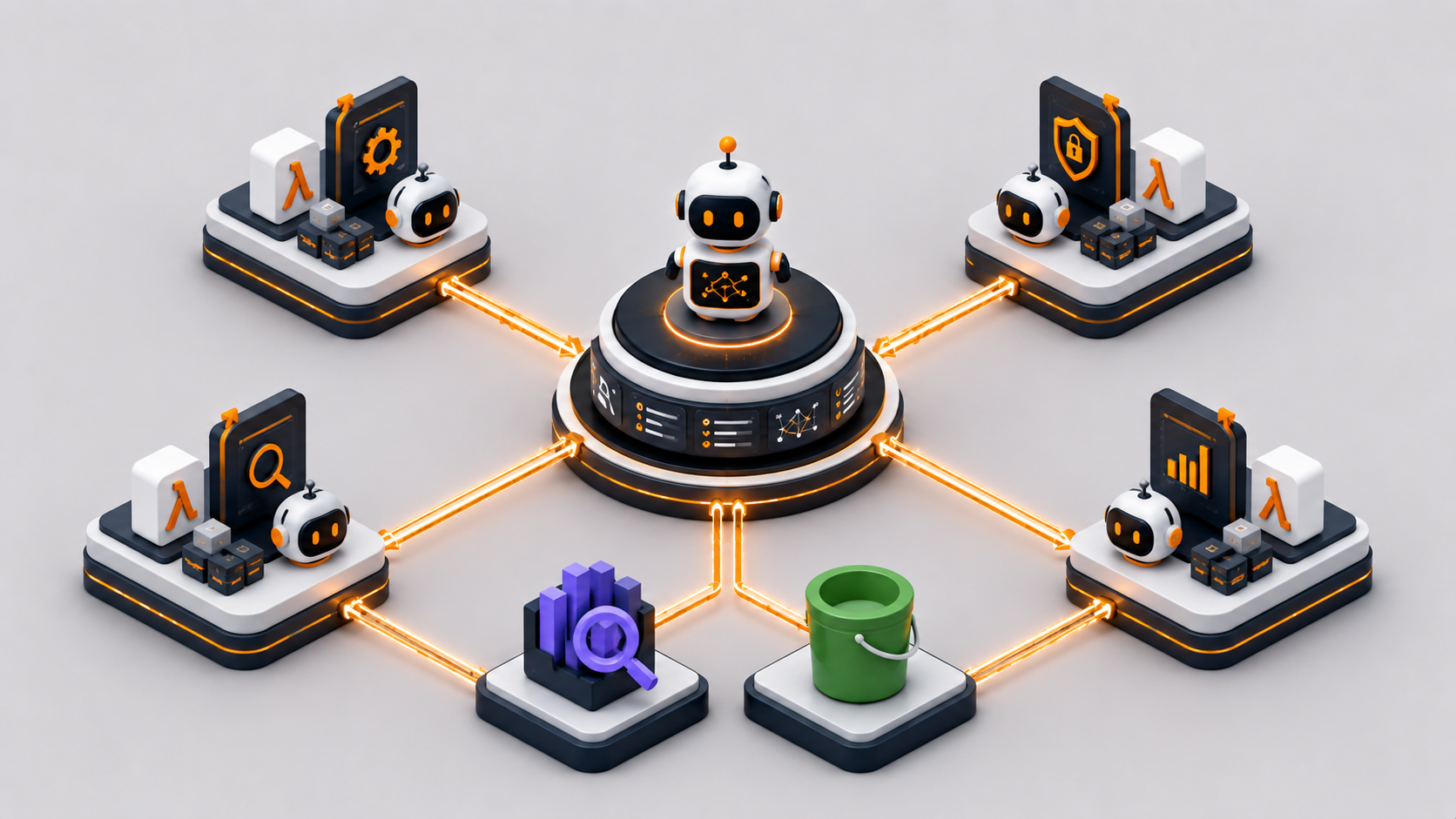
I Built a Multi-Agent AI System on AWS Without LangChain
A production-ready multi-agent orchestration platform using 100% native AWS services. No LangChain. No LangGraph. No third-party orchestration layer.
Every time I needed to orchestrate multiple AI agents, the default answer was: install LangChain, wire up LangGraph, add a few abstractions, and hope that the framework doesn't change its API next week. I've seen this pattern in dozens of projects. It works. But it also means your production system depends on a Python library maintained by a startup, not on the AWS primitives you're already paying for and already understand.
So I built a production-ready multi-agent orchestration platform using 100% native AWS services. No LangChain. No LangGraph. No third-party orchestration layer — intentionally.
The Problem
Manual AI orchestration is painful. You have:
- Routing logic living in application code that nobody documents
- No quality gate between the AI and the user — bad answers go through
- No human fallback for edge cases
- Vendor lock-in to Python frameworks that version-bump without mercy
And image generation is usually bolted on as an afterthought — a different API call, a different auth context, a different error surface. This system handles all of it through a single entry point.
The Solution
A fully-native AWS multi-agent system where:
- Bedrock Agents handle orchestration via the Supervisor pattern
- OpenSearch Serverless is the vector store for RAG
- Lambda handles compute — no containers, no clusters
- Amazon A2I gives humans a review loop on low-confidence answers
- Nova Canvas generates images on demand through an agent action group
The entire infrastructure is reproducible via Terraform. The Bedrock resources (Knowledge Base, agents) are provisioned via Python scripts because the Terraform AWS provider doesn't fully support Bedrock Agents yet.
Architecture: 13-Step Flow

One query. One entry point. Multiple specialists. Automated grading. Human review. All native.
How It Works
Query Rewriting
Before the Supervisor even sees the query, I clean it up. Claude Haiku rewrites it — removing pronouns, expanding abbreviations, resolving ambiguity:
# query_rewrite/handler.py:34-52
response = bedrock.invoke_model(
    modelId="anthropic.claude-haiku-20240307-v1:0",
    body=json.dumps({
        "anthropic_version": "bedrock-2023-05-31",
        "max_tokens": 512,
        "messages": [{
            "role": "user",
            "content": f"Rewrite this query for maximum clarity. Return ONLY the rewritten query.\n\nQuery: {original_query}"
        }]
    })
)
Haiku is cheap. This step costs fractions of a cent and massively improves downstream retrieval quality.
Supervisor Pattern
The Supervisor is Claude 3.5 Sonnet v2 with SUPERVISOR orchestration type. It knows about two collaborators:
# 03_create_supervisor.py:98-115
agent_collaborators=[
    {
        "agentDescriptor": {"aliasArn": rag_alias_arn},
        "collaboratorName": "rag-specialist",
        "collaborationInstruction": "Use for any query requiring factual information from company documents, policies, or reports.",
        "relayConversationHistory": "TO_COLLABORATOR"
    },
    {
        "agentDescriptor": {"aliasArn": image_alias_arn},
        "collaboratorName": "image-specialist",
        "collaborationInstruction": "Use when the user explicitly requests an image, visual, diagram, or picture.",
        "relayConversationHistory": "TO_COLLABORATOR"
    }
]
relayConversationHistory: TO_COLLABORATOR is the key detail — sub-agents see the full conversation context, not just the current turn.
All three agents provisioned and in Prepared state after running the setup scripts:

RAG Specialist
The RAG Specialist is Claude 3 Sonnet associated with a Bedrock Knowledge Base. Citations are mandatory — the instruction enforces it:
Always cite the source document when providing information.
Format citations as: [Source: s3://bucket/prefix/filename]
Do not answer from general knowledge. Only use retrieved documents.
The Knowledge Base uses semantic chunking (max 300 tokens, 95% breakpoint threshold) instead of fixed-size chunks. This means chunk boundaries follow natural language structure rather than arbitrary token counts.

Image Generation
The Image Specialist has an action group that calls a Lambda. That Lambda invokes Nova Canvas:
# image_generation_action/handler.py:61-82
response = bedrock_runtime.invoke_model(
    modelId="amazon.nova-canvas-v1:0",
    body=json.dumps({
        "taskType": "TEXT_IMAGE",
        "textToImageParams": {
            "text": prompt,
            "negativeText": "low quality, blurry, distorted, pixelated"
        },
        "imageGenerationConfig": {
            "width": 1024,
            "height": 1024,
            "cfgScale": 7.0
        }
    })
)
The image lands in S3 under generated/ with a 7-day lifecycle policy. The response includes both a presigned URL (1-hour expiry) and base64 inline.
The Backend
OpenSearch Serverless
Three policy types required — encryption, network, and data access:
# opensearch.tf:54-72 — data access for all principals
resource "aws_opensearchserverless_access_policy" "kb_access" {
  name  = "${local.name_prefix}-kb-access"
  type  = "data"
  policy = jsonencode([{
    Rules = [
      { Resource = ["index/${collection_name}/*"], Permission = ["aoss:*"], ResourceType = "index" },
      { Resource = ["collection/${collection_name}"], Permission = ["aoss:*"], ResourceType = "collection" }
    ],
    Principal = [bedrock_kb_role_arn, bedrock_agent_role_arn, local.caller_arn]
  }])
}
Note: The vector index (bedrock-knowledge-base-index) is created automatically when the Knowledge Base is provisioned. Don't try to pre-create it in Terraform — it'll conflict.
The Knowledge Base provisioned in the console — Titan Text Embeddings v2, semantic chunking, OpenSearch Serverless backend:

S3
Two buckets with different protection strategies:
| Bucket | Strategy | Reason |
|---|---|---|
| docs | prevent_destroy = true | Source of truth — never delete |
| images | force_destroy = true | Ephemeral — presigned URLs expire anyway |
The docs bucket has versioning enabled. The images bucket has a 7-day lifecycle rule on the generated/ prefix.
Lambda Functions
| Function | Model | Memory | Timeout | Purpose |
|---|---|---|---|---|
| query-rewrite | Claude Haiku | 128 MB | 60s | Query disambiguation |
| grader | Claude Haiku | 128 MB | 60s | Quality scoring 1-5 |
| image-generation-action | Nova Canvas | 512 MB | 120s | Image generation + S3 upload |
| orchestrator | — | 256 MB | 300s | Top-level entry point |
| invoke-rag-agent | — | 128 MB | 60s | Supervisor → RAG agent bridge |
The 512 MB for image generation is non-negotiable — base64 encoding a 1024×1024 image in Lambda will OOM at 128 MB.
IAM
Three distinct roles, minimal permissions:
- Bedrock Agent Role: FM access, S3 read on docs bucket, OpenSearch read, Lambda invoke (action groups), A2I submit
- Bedrock KB Role: Titan embeddings invoke, S3 read on docs, OpenSearch write
- Lambda Execution Role: Bedrock invoke, S3 write on images bucket, invoke peer Lambdas
No wildcard bedrock:*. Each role gets exactly the model ARNs it needs.
Quality Gate: The Grader
Every response goes through a grader before reaching the user. Claude Haiku evaluates on a 1-5 rubric:
# grader/handler.py:41-70
GRADING_PROMPT = """
Evaluate this AI response on a scale of 1-5.

Query: {query}
Response: {response}

Scoring criteria:
- 5: Accurate, complete, well-cited, directly answers the question
- 4: Accurate and complete, minor gaps
- 3: Mostly accurate, some missing context
- 2: Partially accurate or incomplete — RETRY RECOMMENDED
- 1: Incorrect, hallucinated, or unhelpful — RETRY REQUIRED

Return ONLY valid JSON:
{{"score": , "reasoning": "", "should_retry": }}
"""
Retry logic in the orchestrator:
# orchestrator.py:55-73
for attempt in range(MAX_RETRIES):  # MAX_RETRIES = 3
    response = invoke_supervisor(rewritten_query, session_id)
    grade = invoke_grader(query, response)

    if not grade["should_retry"]:
        break

    if attempt == MAX_RETRIES - 1:
        logger.warning("Max retries reached, proceeding with best response")
        break
If JSON parsing fails, the grader falls back to score 3 — good enough to proceed, not good enough to call a success.
Human Review: Amazon A2I
Responses with score ≥ 3 are submitted to A2I for async human review:
# orchestrator.py:94-119
a2i_response = a2i_client.start_human_loop(
    HumanLoopName=f"review-{session_id}-{int(time.time())}",
    FlowDefinitionArn=os.environ["A2I_FLOW_DEFINITION_ARN"],
    HumanLoopInput={
        "InputContent": json.dumps({
            "query": original_query,
            "response": agent_response,
            "auto_grade": grade["score"],
            "reasoning": grade["reasoning"]
        })
    },
    DataAttributes={"ContentClassifiers": ["FreeOfPII"]}
)
The API returns HTTP 202 immediately. The human review happens asynchronously. The HumanLoopArn is returned in the response metadata so callers can poll status if needed.
A2I Flow Definition is created manually in the AWS Console — there's no Terraform resource for it. The ARN goes into .env after creation.
It Actually Works
The RAG Specialist answers directly from the Knowledge Base and cites the source document path:

Image generation tested directly in the Bedrock console — the agent returns a presigned S3 URL and the orchestration trace shows 2 steps.
Cost Analysis
| Component | Pricing Model | Estimated Monthly |
|---|---|---|
| OpenSearch Serverless | 2 OCU minimum | ~$350 |
| Claude 3.5 Sonnet v2 (Supervisor) | Per token | ~$20–60 |
| Claude 3 Sonnet (Sub-agents) | Per token | ~$10–30 |
| Claude Haiku (Rewrite + Grader) | Per token | ~$2–5 |
| Nova Canvas | $0.01–$0.08/image | Depends on usage |
| Lambda | Per invocation | ~$0 (free tier) |
| API Gateway | Per request | ~$1 |
| S3 | Per GB + requests | ~$2 |
| Total at low volume | ~$390–450/month |
OpenSearch Serverless dominates. If cost is a blocker, consider switching to Aurora Serverless v2 with pgvector — it scales to zero when idle. The trade-off is manual embedding management.
The model tier strategy is intentional:
- Haiku for rewrite and grading — cheap, fast, deterministic tasks
- Sonnet for specialists — balanced quality vs. cost
- Sonnet 3.5 v2 only at the top level — one reasoning step, highest quality where it counts
Deployment
Infrastructure first, Bedrock resources second. Order matters because the Python scripts need Terraform outputs.
Step 1 — Infrastructure
terraform init
terraform apply
# Outputs: bucket names, OpenSearch collection ARN, Lambda ARNs, role ARNs
# Copy to .env
Step 2 — Knowledge Base
python 01_create_knowledge_base.py
# Creates KB with Titan Embed v2
# Runs initial ingestion from S3
# Appends KB_ID to .env
Step 3 — Sub-agents
python 02_create_subagents.py
# Creates rag-specialist-agent + alias
# Creates image-generation-agent + alias
# Appends alias ARNs to .env
Step 4 — Supervisor
python 03_create_supervisor.py
# Creates multi-agent-supervisor-v2
# Associates collaborators
# Appends supervisor alias ARN to .env
Step 5 — A2I Flow
Create manually in the AWS Console under Augmented AI. Add the ARN to .env.
Step 6 — Test
python 04_test_invoke.py --query "What equipment does the company provide for remote work?"Expected output:
{
  "response": "Based on the company's remote work policy, employees receive: ...",
  "grade": {"score": 5, "should_retry": false},
  "human_loop_arn": "arn:aws:sagemaker:eu-west-1:...",
  "trace_events": ["rag-specialist-agent invoked"]
}
What's Next
- Streaming responses — the current architecture is synchronous; adding WebSocket support via API Gateway v2 is the natural next step
- Multi-modal RAG — extend the Knowledge Base to index images alongside documents
- Agent memory — persistent conversation state across sessions using DynamoDB
- Custom A2I task UI — the default review interface works, but a custom template with side-by-side query/response layout improves reviewer throughput
- Cost dashboard — tag-based Cost Explorer views using the
Project=multi-agent-bedrocktag are already in place; a proper FinOps report is the logical next step
Try It
All infrastructure and application code follows the same deployment order every time. The only manual step is the A2I Flow Definition — everything else is automated.
terraform apply → KB → sub-agents → supervisor → A2I (manual) → test
The .env.example file documents every required variable. Terraform outputs populate most of them automatically. The Python scripts append generated IDs after each step.
If you want to test RAG without standing up the full pipeline, the Knowledge Base can be queried directly via the Bedrock console — the test interface in the AWS Console works out of the box once ingestion completes.
Complete Project on GitHub
Full multi-agent orchestration platform — Bedrock agent definitions, Lambda action groups, OpenSearch Knowledge Base, Terraform infrastructure, and test scripts.
View on GitHub →